Is there anything better than designing the place of your dreams in a game, only to never be able to visit? As gamers, especially those who love cozy vibes, we do this to ourselves time and time again: Stardew Valley, Animal Crossing, Two Point Museum, and to my own personal extent, Age of Empires. …I want to see the might of my empire in person, but alas, this will never be possible.
Summerhouse, a game developed entirely by Friedemann Allmenröder, is no different. It focuses on a small part of this building tradition by allowing you to create your very own 2D-ish street in some of the most aesthetically pleasing spaces I’ve seen. The game is open-ended, the objectives (if you’d call them that) are optional, and its pixelated form leaves me yearning for a time and place that I never experienced. Quite honestly, delightful.
Summerhouse Gameplay
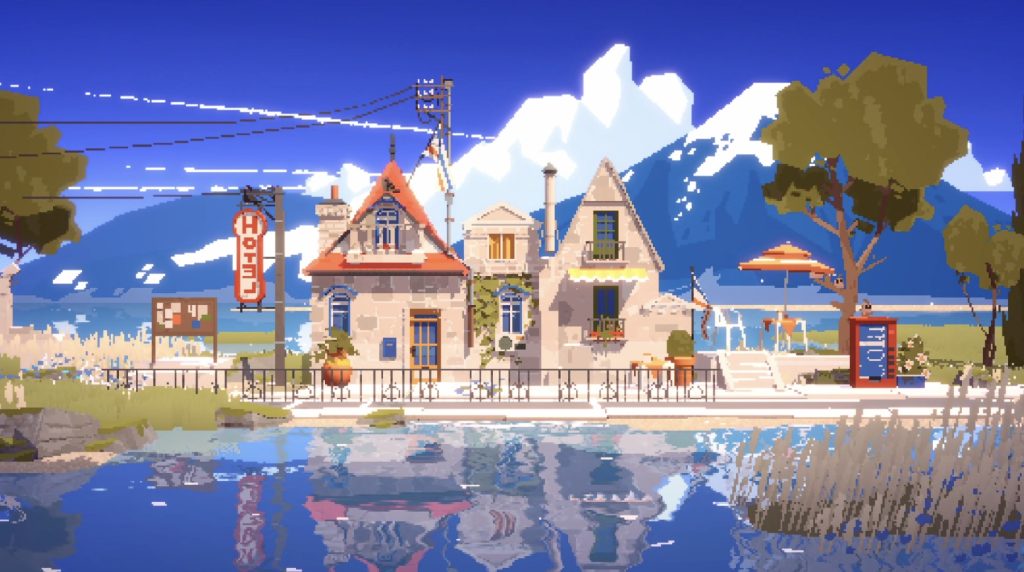
Unlike some of the games I just mentioned, this cozy street building game doesn’t have a lot of actual gameplay, even by builder standards. At its core, it’s as simple as picking the blocks you like and pressing the left mouse button.
There’s no timer, no ever-growing costs, and no guidance. It’s aimless, but in a good way.
Zen-builder games aren’t games you’ll pick up in every situation. I spend countless hours on Battlefield 1, hoping the servers won’t get turned off as I do my best to get a K/D ratio that my younger self would be proud of.
After my blood pressure unintentionally rises while I ultimately fail this goal, the creep of these cozy zen games is apparent. I’ve got many of these games stored up, and I’m ready to zone out.
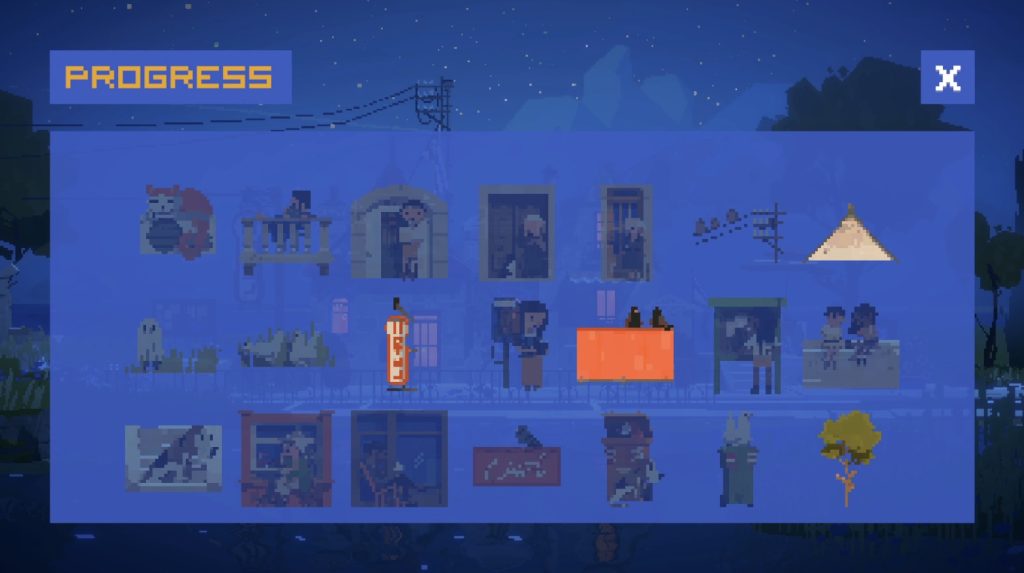
That said, you can unlock unique blocks by playing more and placing certain combinations together. In other words, chill out and build your house, and you’ll eventually start to see something that resembles progress – in this case, more blocks.
The simplicity of Summerhouse is like a warm bath for my brain.
Controls
As it’s a simple game, there aren’t many controls – point and click, for the most part. One thing I did learn is that you can change the depth and height of the camera with WASD and QE. That’s something I learned far too late…
There are 6 individual block categories, and you can use the right mouse button to cycle through them. A decision that means you can slouch to your heart’s content, and not worry about pressing the keyboard until you get to another section of your build.
Right-clicking on these opens the gallery for easier selection than scrolling through them all.
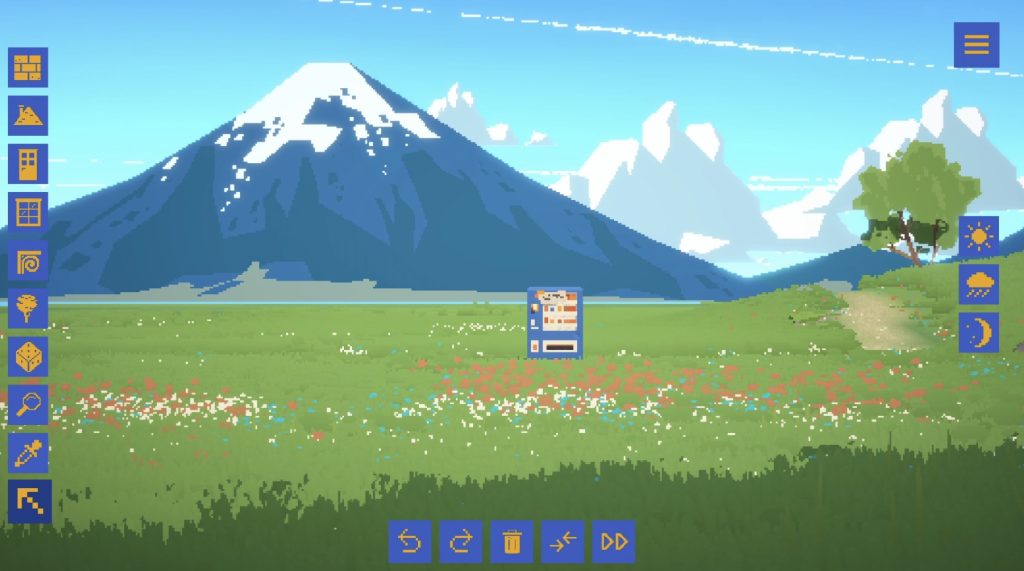
Design Options
- Wall Blocks
- Roof Blocks
- Door Blocks
- Window Blocks
- Decoration Blocks
- Nature Blocks
- Random Blocks
- Open Block Gallery
- Eyedropper Mode
- Cursor Mode
Unfortunately, it doesn’t have a tool to make the blocks bigger or smaller (that I can find), which is the biggest disappointment. I’ve seen complaints about that online, and it’s something I wholeheartedly agree with. I also don’t think you can move a block once it’s been placed – rather annoying for something I’d assume wouldn’t be too hard to implement.
Ambience
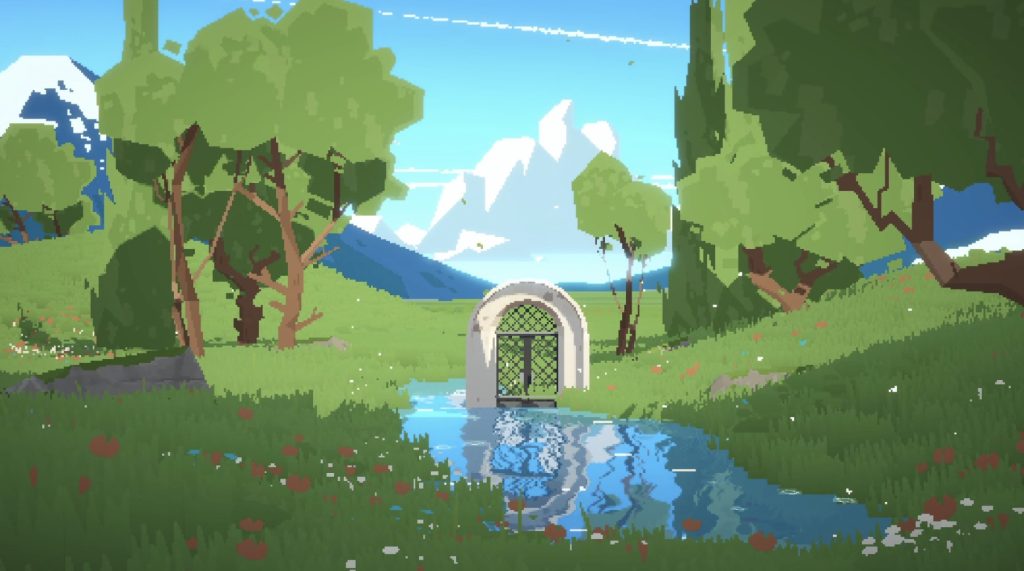
I’m a sucker for good ambience in cozy games like this. To me, the difference between “good” and “great” ambience is in the small details. A highly considered soundtrack is a requirement, and also the bare minimum. The soundtrack for Summerhouse is acceptable, but it feels like it doesn’t have the same love and attention as other solo dev games of its genre.
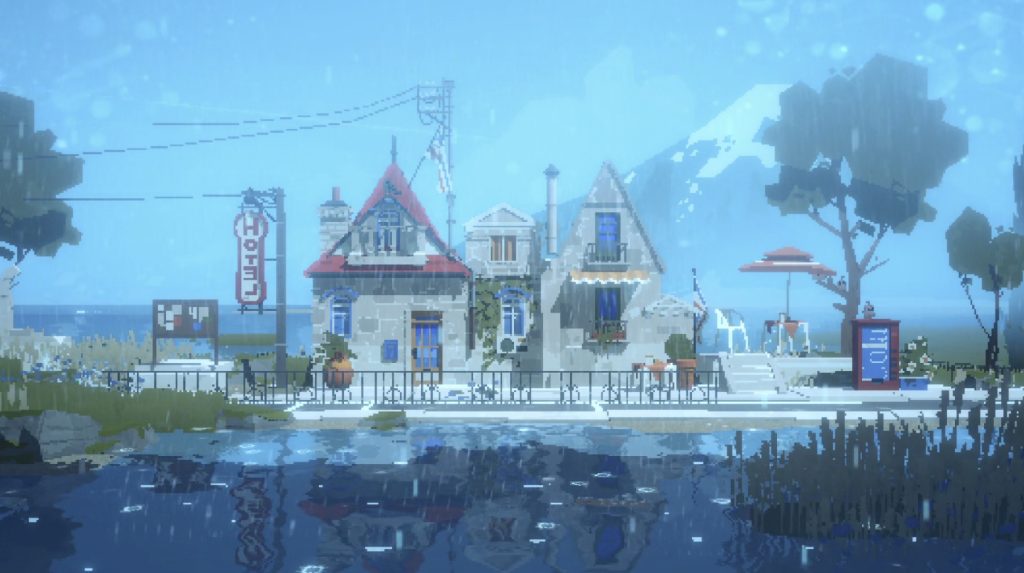
Where Summerhouse shines is in its visuals and sound effects. I can, and have, built a streetscape that vibes with my mood of the day, turned on the rain, and proceeded to do some of the most focused work I’ve ever done.
The sound of the rain in this video game is hypnotic to say the least.
If there were any low resistance ways to get this as a background for my computer, I’d be all over it.
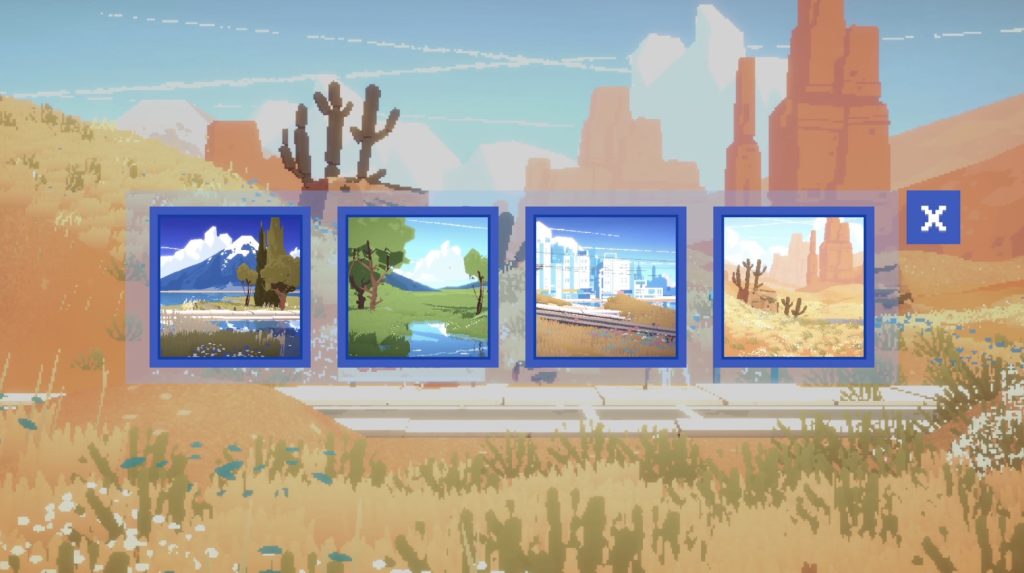
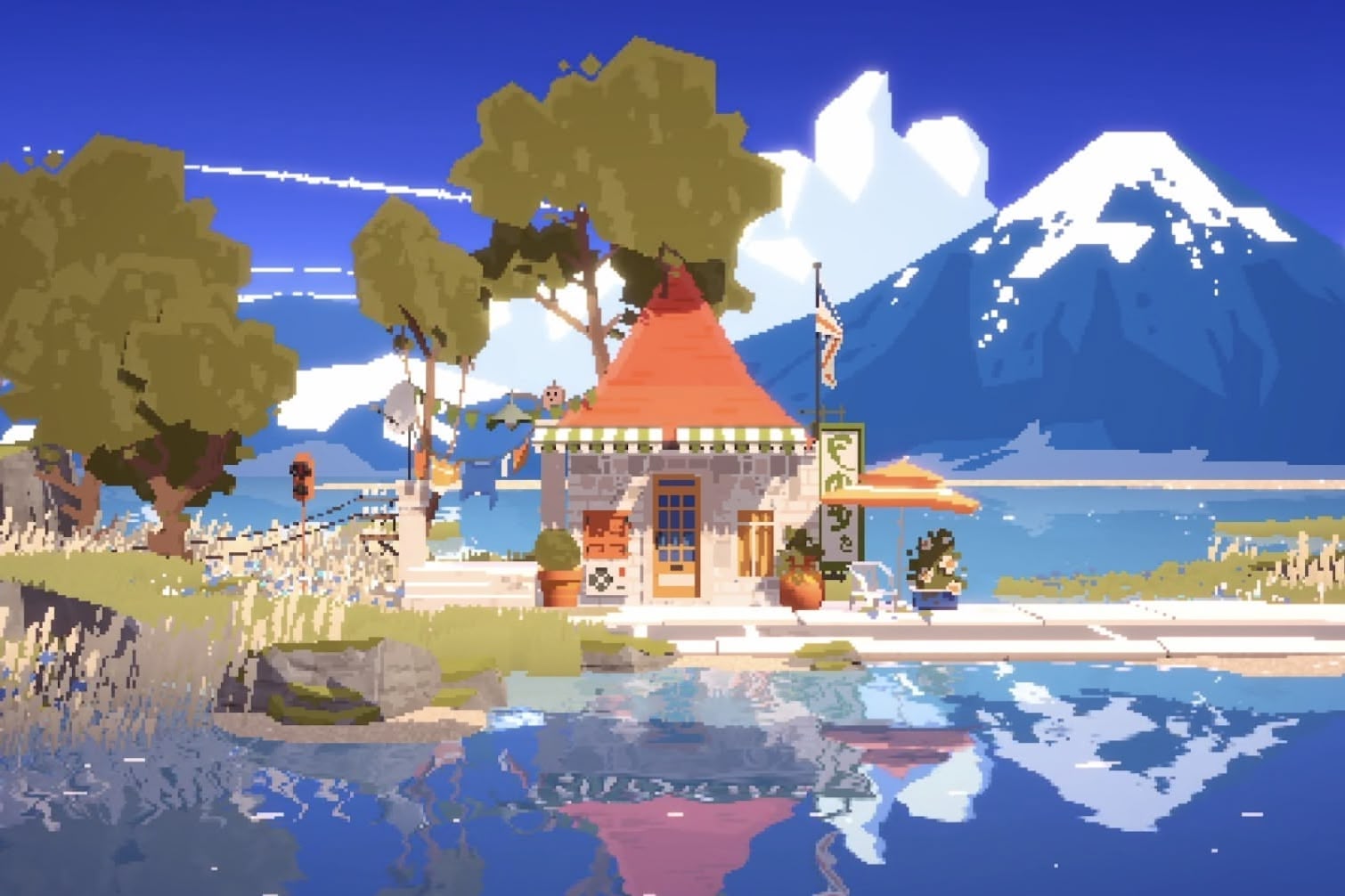
Then there are the other seasons and areas. In the mountain backdrop, there are butterflies flying around, swaying grass in the foreground, swaying trees with shadows, and reflections in the pixelated water that have me staring for longer than I should.
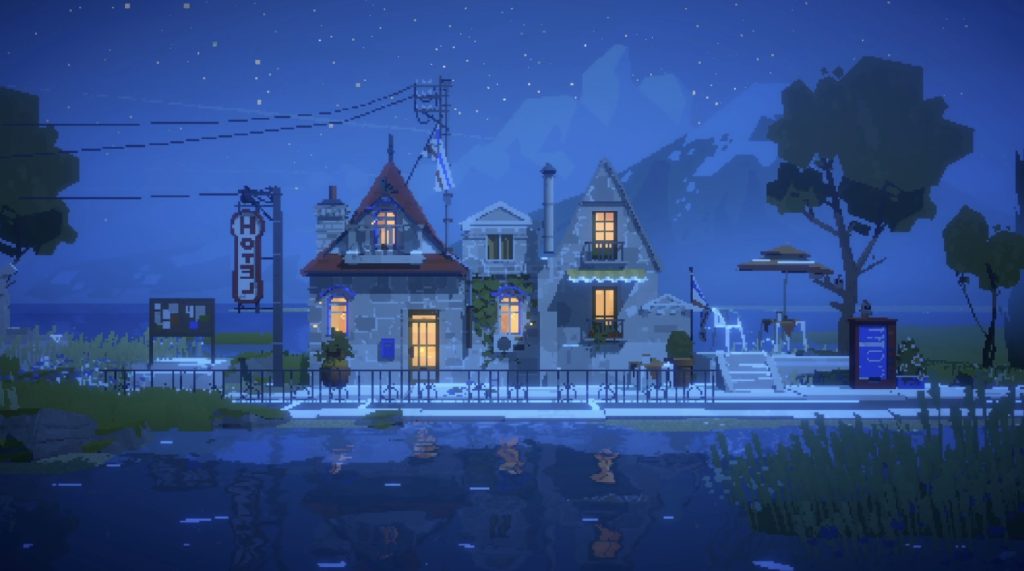
Switch to night mode, and the lights you’ve placed on your build will light up exactly as they would in real life. Change again to summer, and the umbrella you’ve placed behind the garden shed will cast the cutest little shadow.
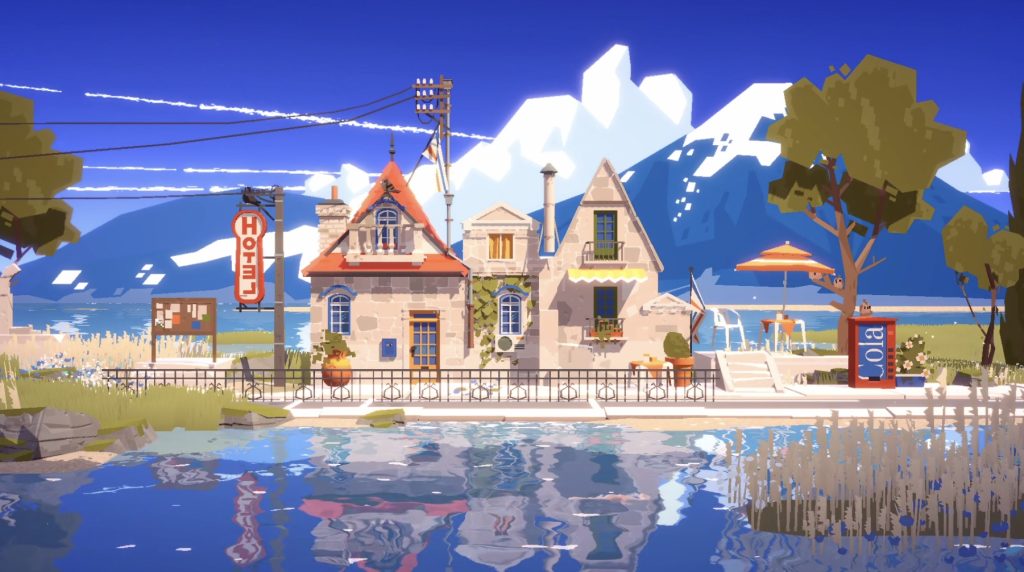
One of the bigger surprises I had with this game is that you can fully turn off pixelation. While I think leaving it on gives the best ambience and cozy gaming vibes, it’s a stunning aesthetic either way.
Whichever you choose, there’s a lot of left/right movement available, which means there’s technically several different locations for your house, or scope to build an entire street in each of the four areas.
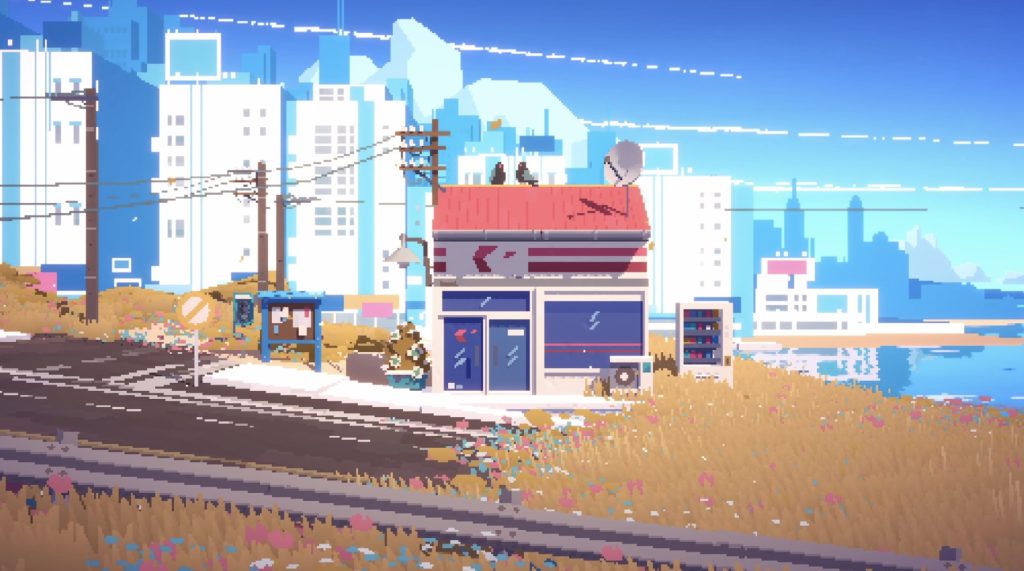
Whether you want a white picket-fenced home in the suburbs, a mountain hut, or a street full of 7-Elevens, you can do it in Summerhouse. That said, there’s not really enough game for it to compare to some of the bigger titles. Still, for what it does, if you can catch it at a good price, it’s absolutely worth adding to your collection. Just don’t expect to get more than a few hours from it.